Quest 5: Add your first transaction
Your first move: write down a coin you spent.
-
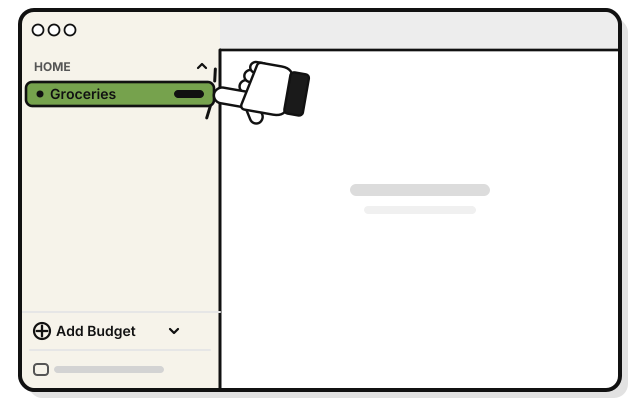 Click Groceries in the sidebar.
 -
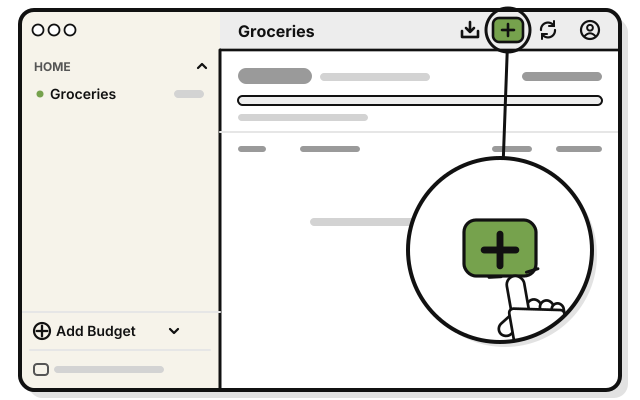 Press Add, the plus sign at the top of the budget’s page.
 -
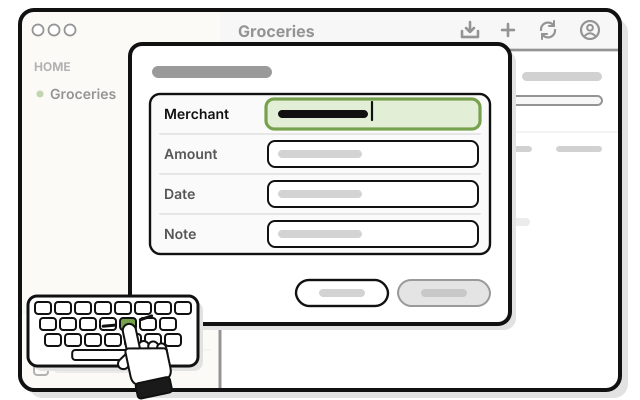 Type where you spent the money in Merchant.
 -
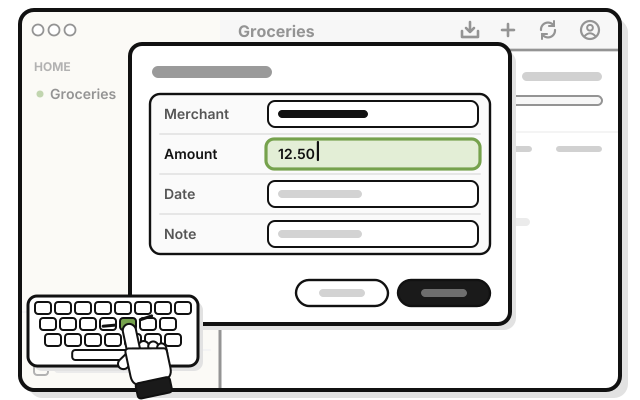 Type how much in Amount, like 12.50. Leave Date as today.
 -
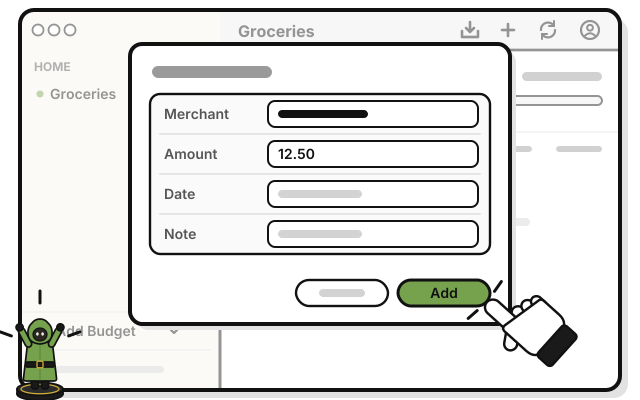 Press Add.
You see your transaction in the list, marked Manual. What’s spent goes up.
Coming in the next update: spot a mistake later? On a Mac, click the transaction to change or delete it. Until then, check it before you press Add.
If it doesn’t work
- Add stays dimmed: Merchant and Amount both need something. Type the amount as a number.
- It isn’t in the list: a budget’s page shows this month only, from the 1st. A transaction dated earlier is saved, but doesn’t show there.
- The amount came out 100 times too big: in places that write decimals with a comma, type a dot instead for now, like 12.50.