Quest 6: Bring in your first statement
Carry your gold home from the bank, and give each coin a budget.
Before you start: a statement file from your bank, for this month. In your bank’s download menu, pick “CSV” (comma-separated values), “OFX” (Open Financial Exchange) or “QFX” (Quicken Financial Exchange). Not QuickBooks (QBO). WellSpent can’t read a PDF. In a shared group, you need the Add level or higher.
There’s no bank connection. You download a statement from your bank and bring it in, so your bank login stays with you.
-
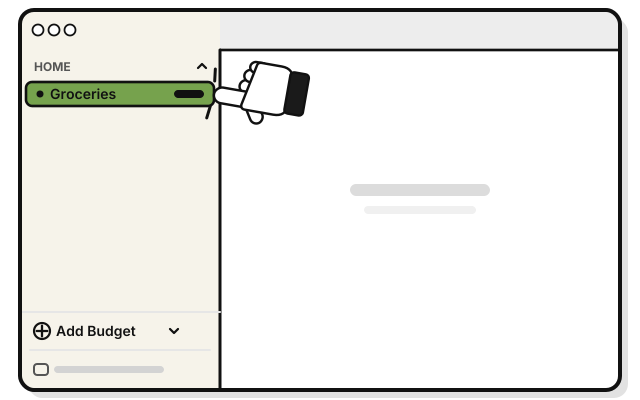 Click a budget in the group the statement is for.
 -
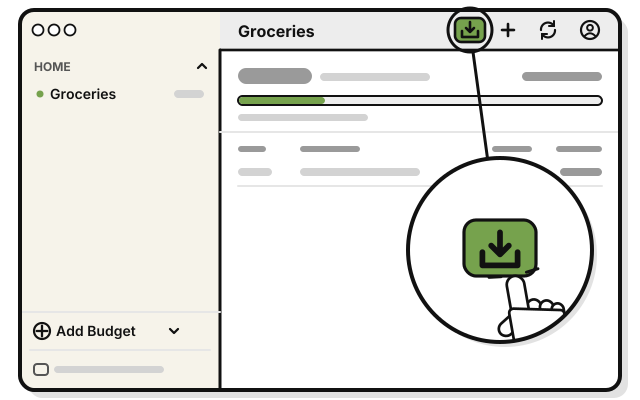 Press Import statement, the box with an arrow pointing down, at the top of the budget’s page.
 -
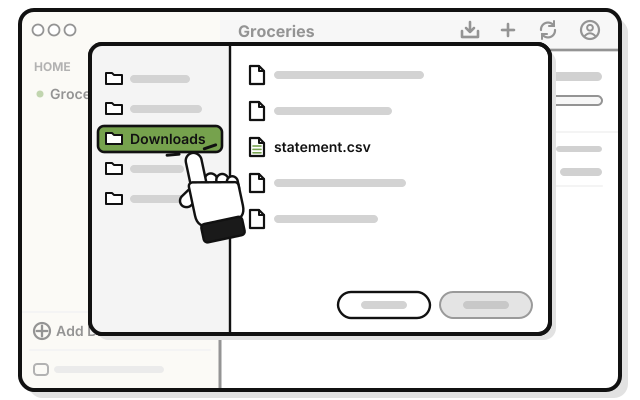 Click Downloads.
 -
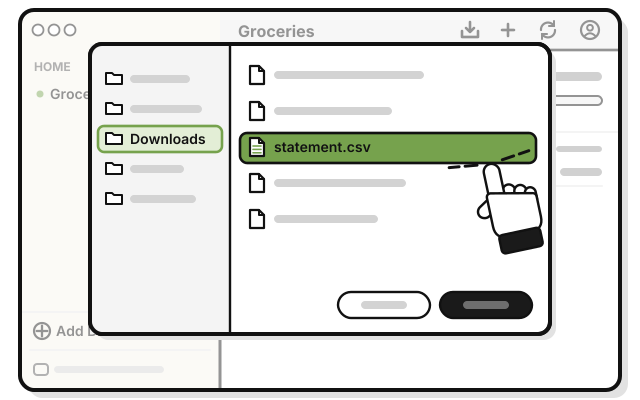 Double-click your statement file.
 -
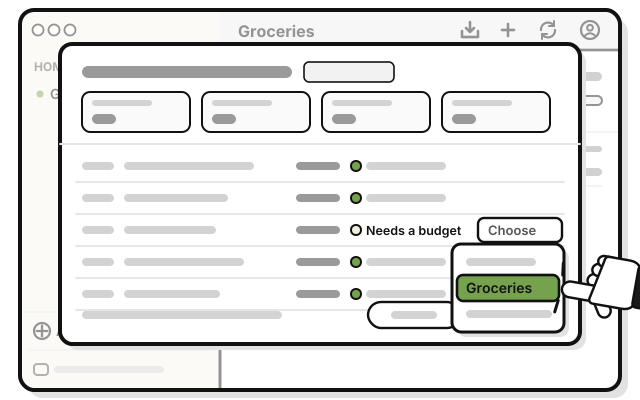 For each line marked Needs a budget, pick a budget from its menu. To skip a line, leave it on Choose.
 -
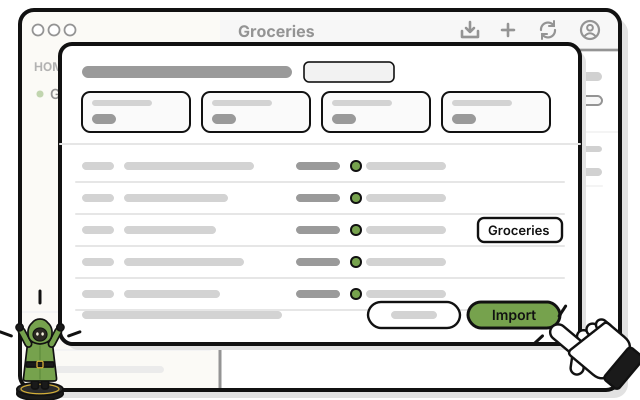 Press Import.
You see the new lines in your budgets, marked Statement.
Skip deposits, transfers and payments to your card: leave them on Choose.
If it doesn’t work
- WellSpent can’t read the file: download it again from your bank as another type, and try again.
- A line is missing: a budget’s page shows this month only. Lines from earlier months go in, but don’t show there.
- You imported the same file twice: nothing is added twice. Lines already imported are skipped.
- A purchase you typed in shows twice: the amounts were different, or the dates were more than four days apart.