Quest 2: Make your account
Sign the guild book, and your budgets travel with you.
Before you start: you need an account to sync between computers and to share a group. Changed or added to a sample group? Delete it first, or it comes into your account. Sample groups you haven’t changed stay out.
Your budgets sync through WellSpent’s server. Connections and backups are encrypted. The server can read your budgets, which is how it checks who may change what and how it resets a forgotten password.
-
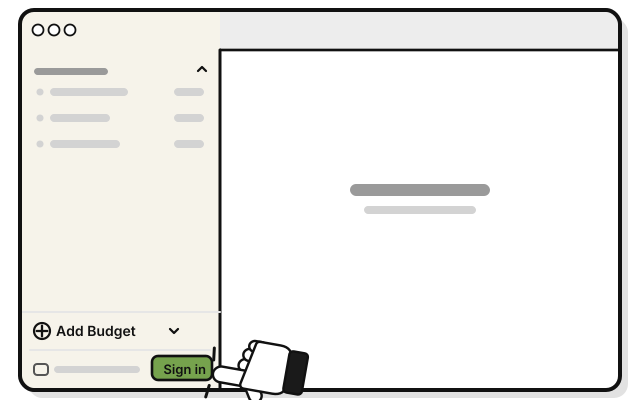 Press Sign in at the bottom of the sidebar.
 -
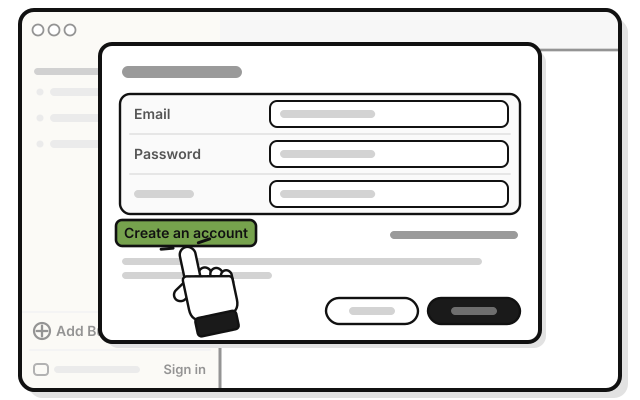 Press Create an account.
 -
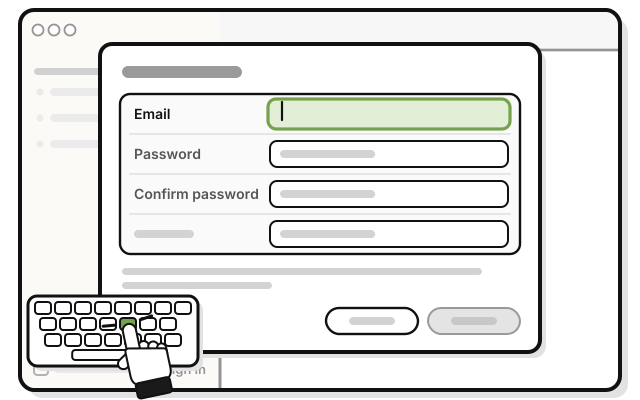 Type your email in Email.
 -
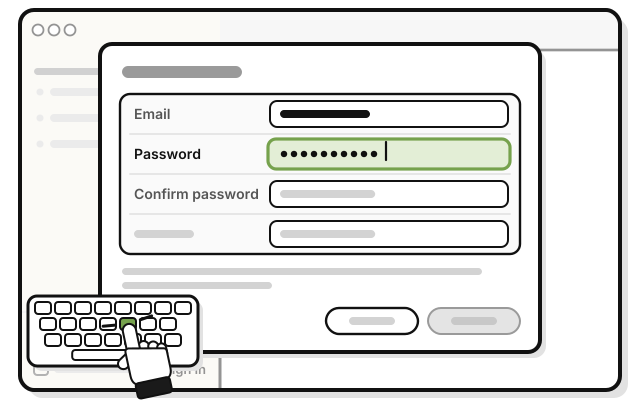 Type a password of at least 10 characters in Password.
 -
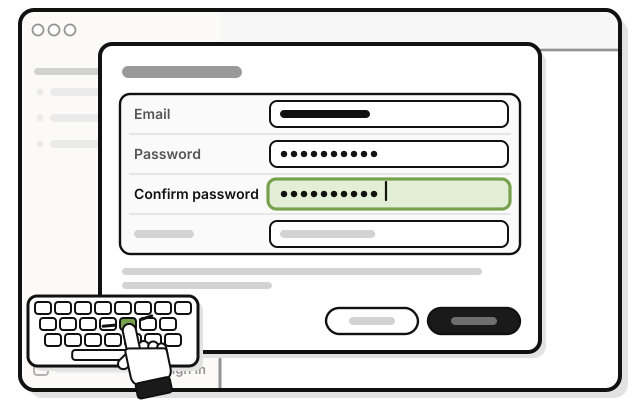 Type the same password in Confirm password.
 -
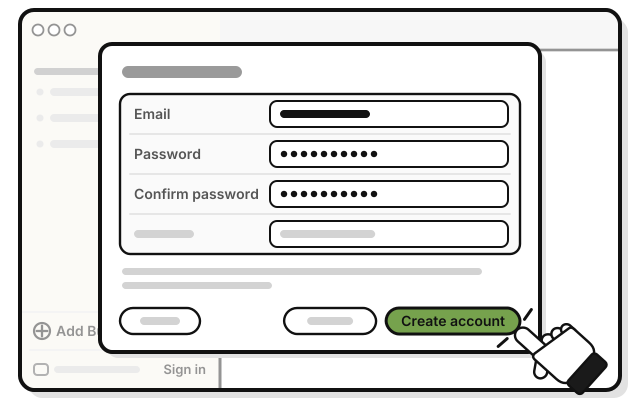 Press Create account.
You see Confirm your email, and “Enter the code sent to” your email.
-
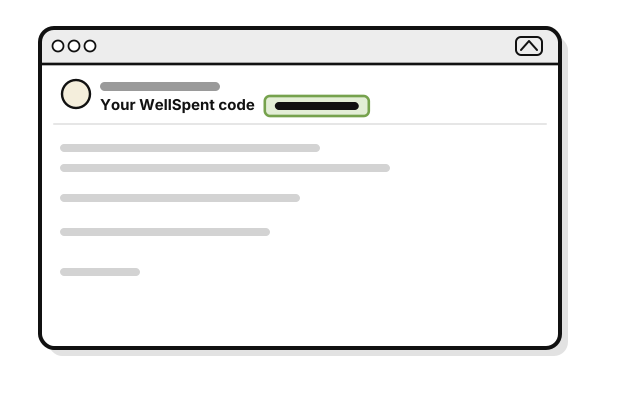 Open the email from WellSpent with the subject Your WellSpent code. The code is in the subject.
 -
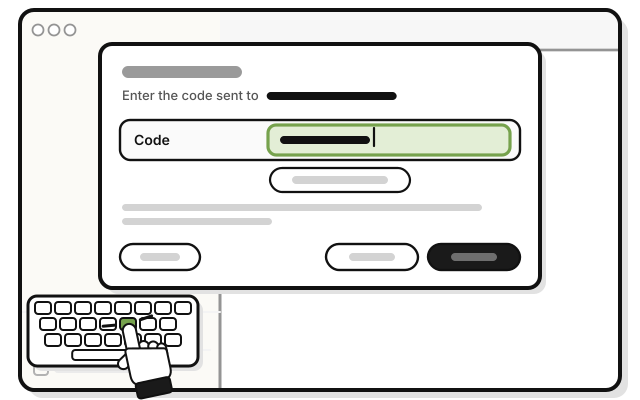 Type the code in Code.
 -
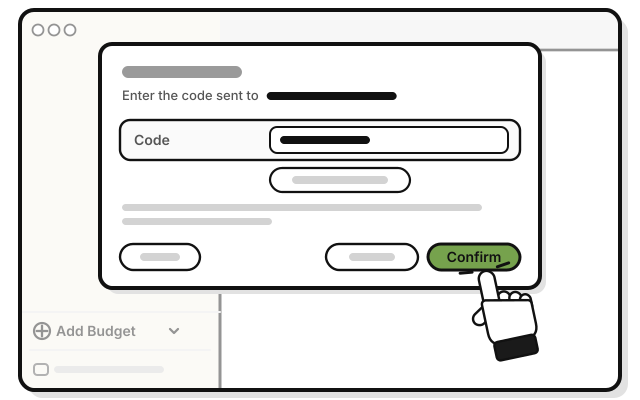 Press Confirm.
You see “Your email is confirmed.”
-
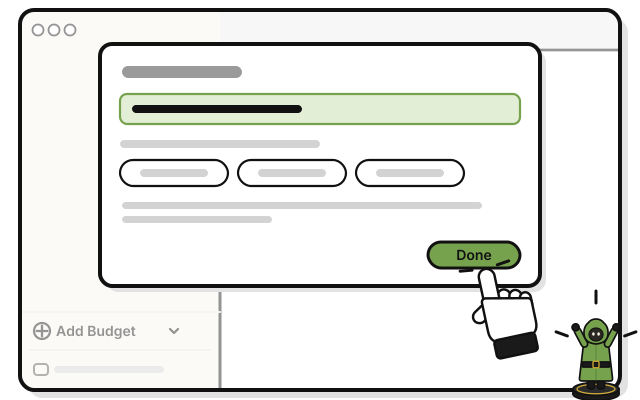 Press Done.
You see Syncs through WellSpent’s server at the bottom of the sidebar.
If it doesn’t work
- “That email already has an account”: sign in with that email and its password instead.
- “That does not look like an email address.”, “A password needs at least 10 characters.” or “The two passwords are not the same.”: fix it, and press Create account again.
- No code email after two minutes: check your spam or junk folder. Then press Send another code, and use the code in the newest email.
- “That code is wrong or has expired”: a code works for 24 hours, and for five tries. Press Send another code, and use the new one.