Quest 4: Make your first budget
A pouch for every kind of coin.
A budget is an amount to spend each month. It starts again on the 1st.
-
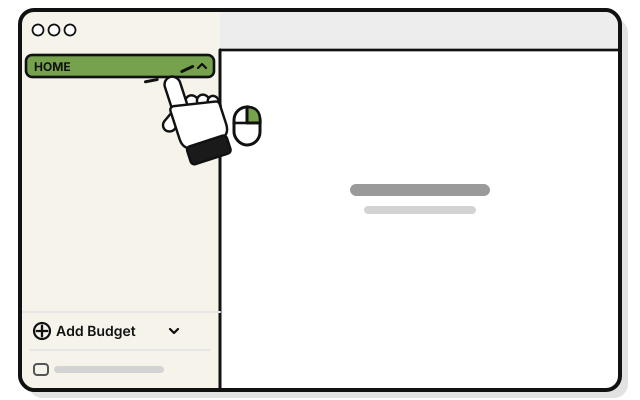 Right-click HOME in the sidebar. Or hold Control and click it.
 -
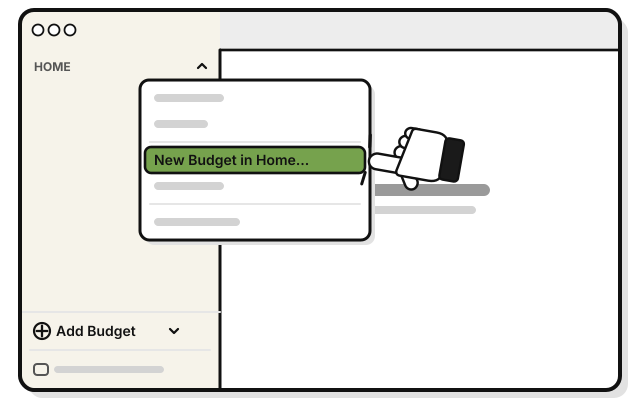 Pick New Budget in Home…
 -
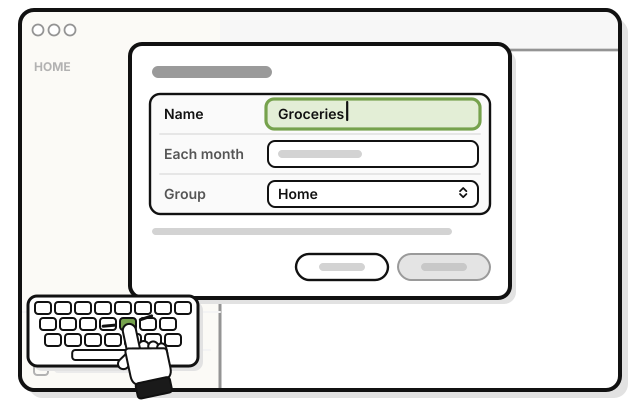 Type a name in Name, like Groceries.
 -
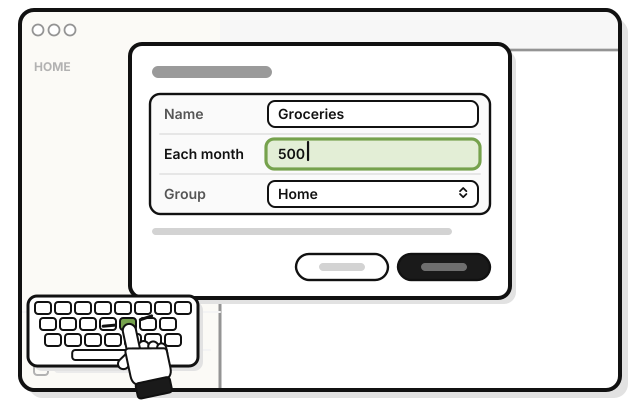 Type how much a month in Each month, like 500.
 -
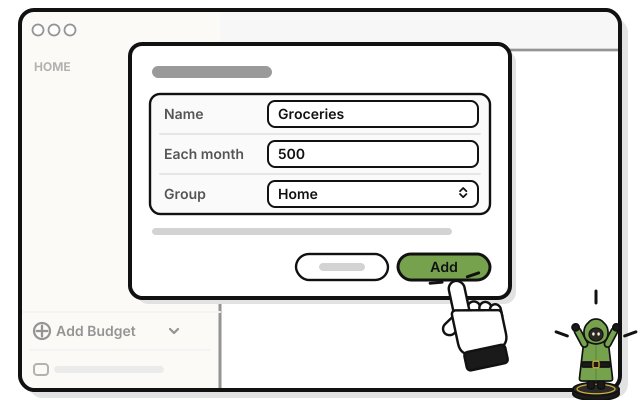 Press Add.
You see Groceries under HOME, with what’s left beside it.
If it doesn’t work
- The menu has only Edit… and Delete…: that’s a budget’s menu. Right-click the group’s name instead. It’s in capital letters.
- Add stays dimmed: a budget needs a name, and an amount above zero.
- You can’t see the budget: click the small arrow at the end of the group’s line. It shows or hides the group’s budgets.